
Enter It Once. Keep Work Moving.
Connect orders, stock, documents and messages so your team spends less time moving information between systems.
What you actually get
An order arrives. Someone copies it into a spreadsheet, updates stock and sends a message. We look for these repeated chains and connect the steps. Start with one process that takes too much attention. Test it on real examples, then decide what else is worth automating.
What Can Run Automatically?
Orders and stock
Pass order details and stock changes between your sales and inventory systems.
Requests and assignments
Collect enquiries, assign an owner and notify the person responsible for the next step.
Invoices and receipts
Transfer transaction details to accounting or receipt services where supported connections are available.
Messages and reminders
Send status updates and reminders through email or supported messaging services.
Reports and records
Bring agreed data into one report instead of collecting figures from several screens.
Start Where Repetition Costs Most
Show us one task your team repeats. We’ll examine the steps, exceptions and potential time savings.
- 01
Map the repetition
Follow the task from start to finish and identify where people copy data or wait for information.
- 02
Choose the first process
Compare expected value, complexity and connection limits. Agree a manageable starting point.
- 03
Connect and test
Use representative data to check normal cases, missing information and failed transfers before enabling the process.
- 04
Hand over and observe
Explain the controls, agree how failures are reported and review the process after launch.
What Your Proposal Covers
These are the points we agree in writing before work starts, so nothing is a surprise later.
- Current process and proposed changes.
- Systems, access and connection requirements.
- Data fields and transfer rules.
- Exceptions, notifications and manual controls.
- Cost, stages and realistic test cases.
- Handover, monitoring and support terms.
Connect the Steps That Belong Together
We check what each system can send and receive before proposing a connection.
- Data exchangeTransfer agreed information between systems.
- Rules and triggersDefine what starts an action and what happens next.
- NotificationsTell customers or employees when a step needs attention.
- Checks and historyRecord transfers and make failures visible.
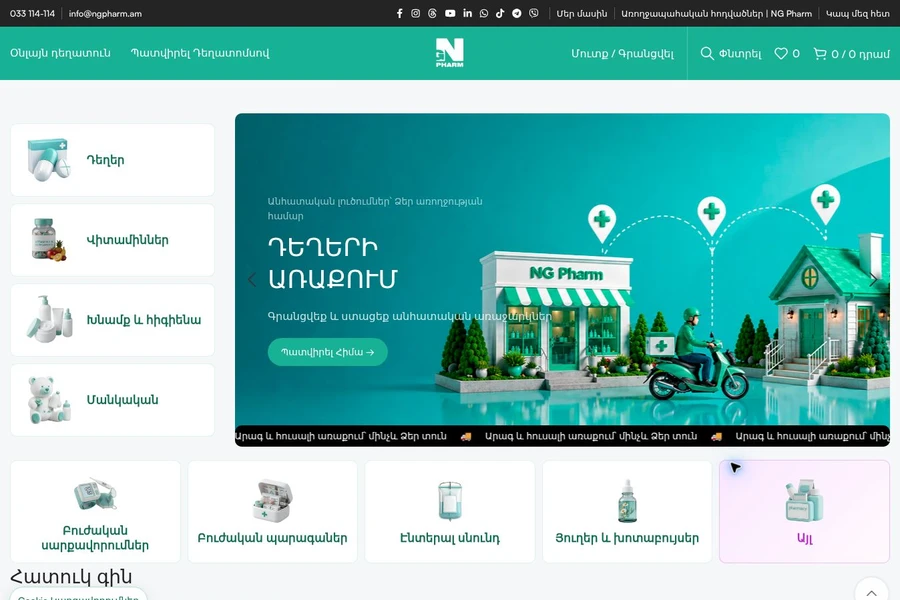
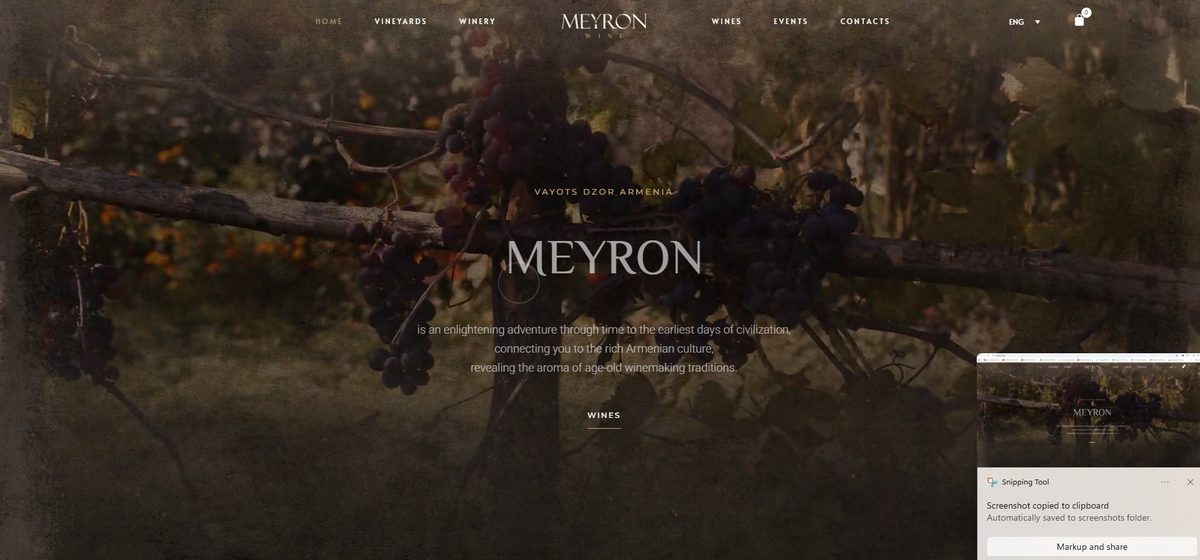
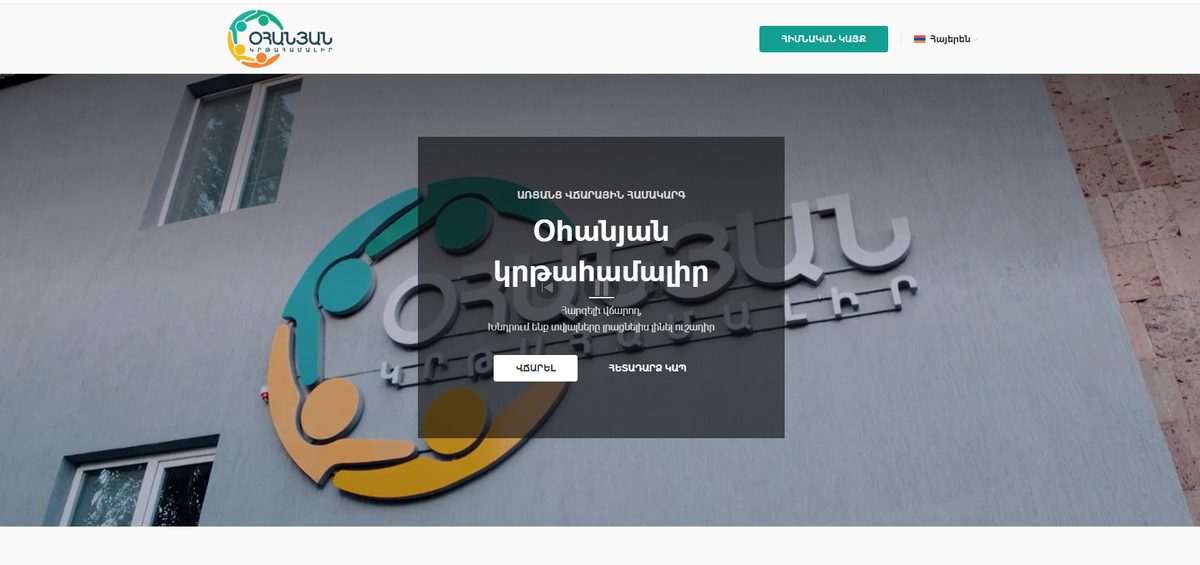
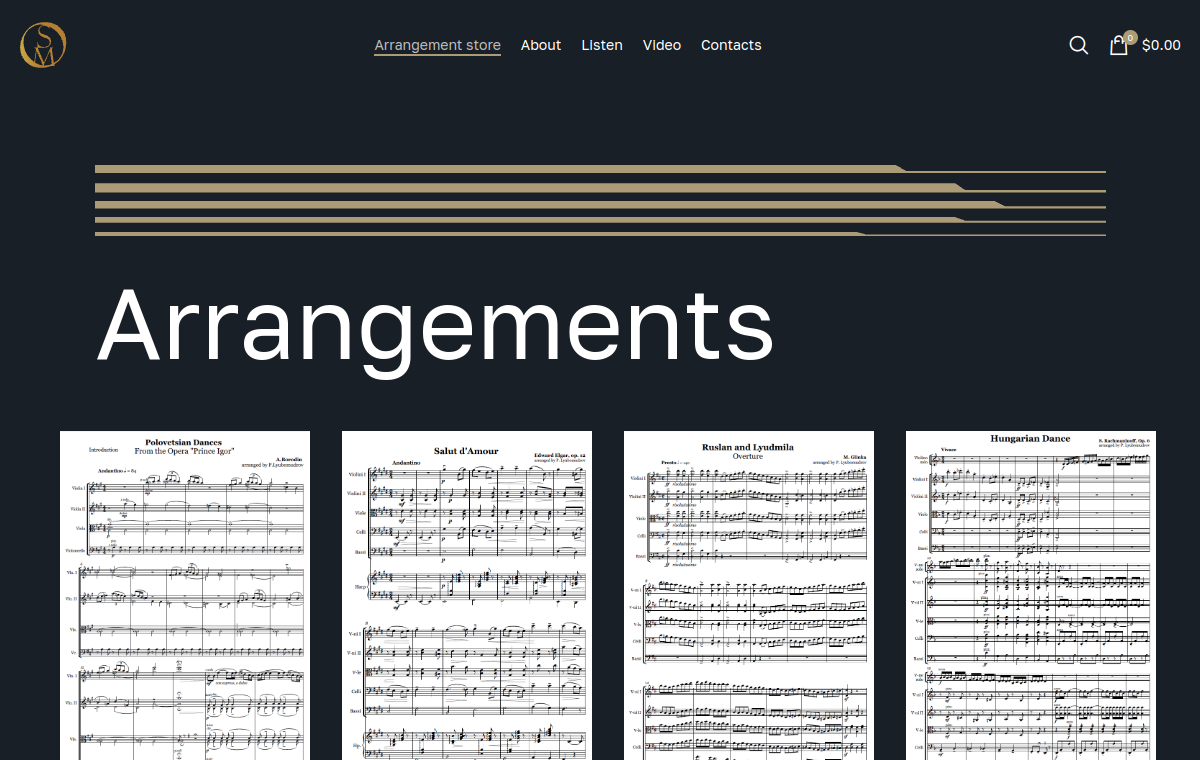
Selected work
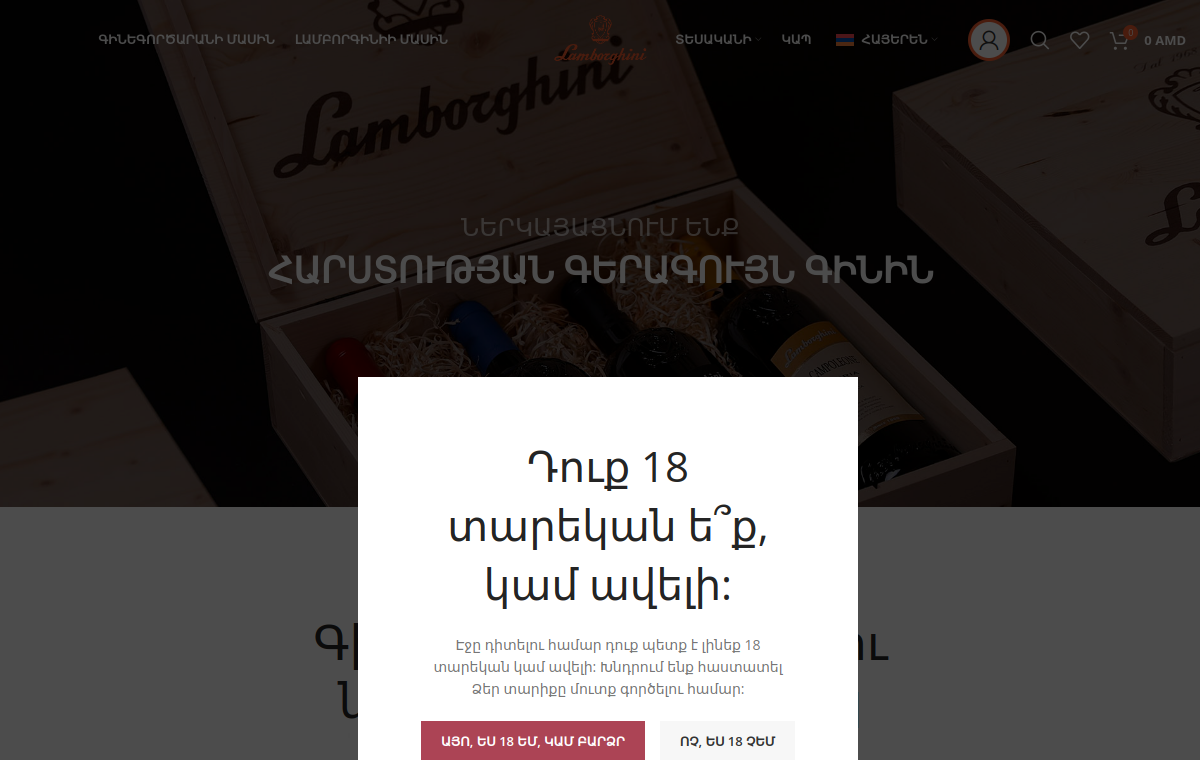
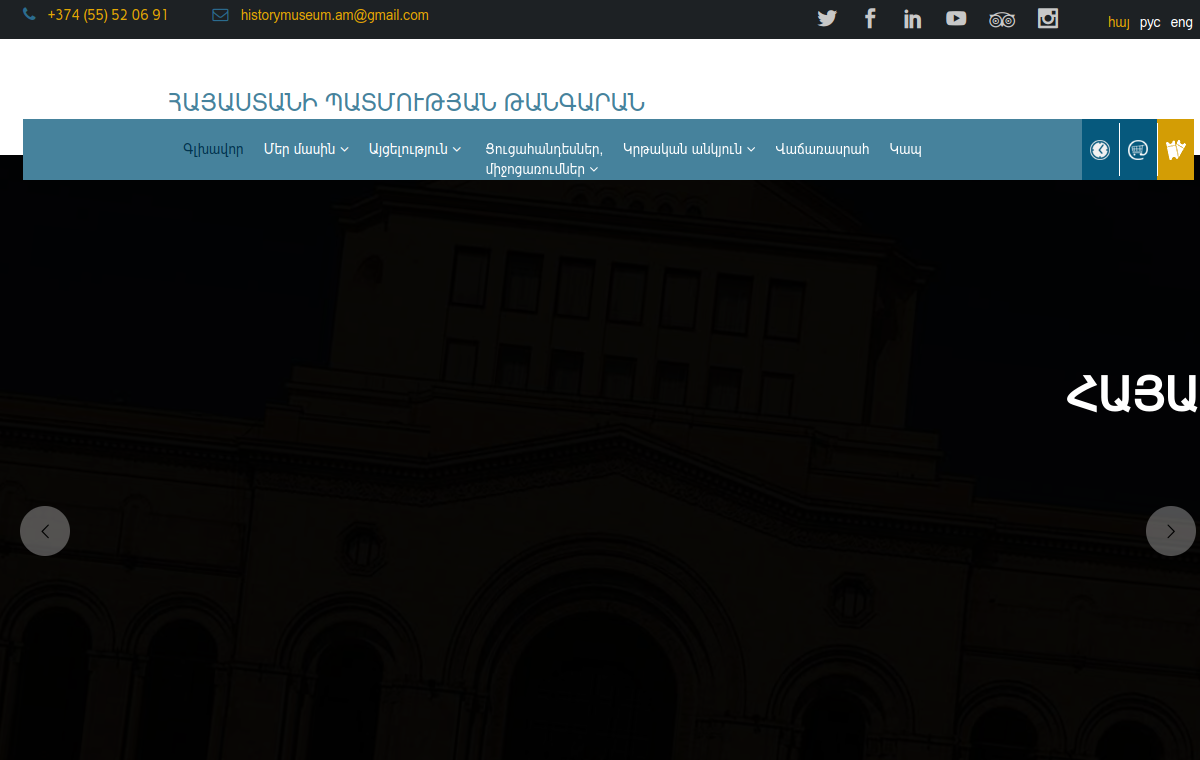
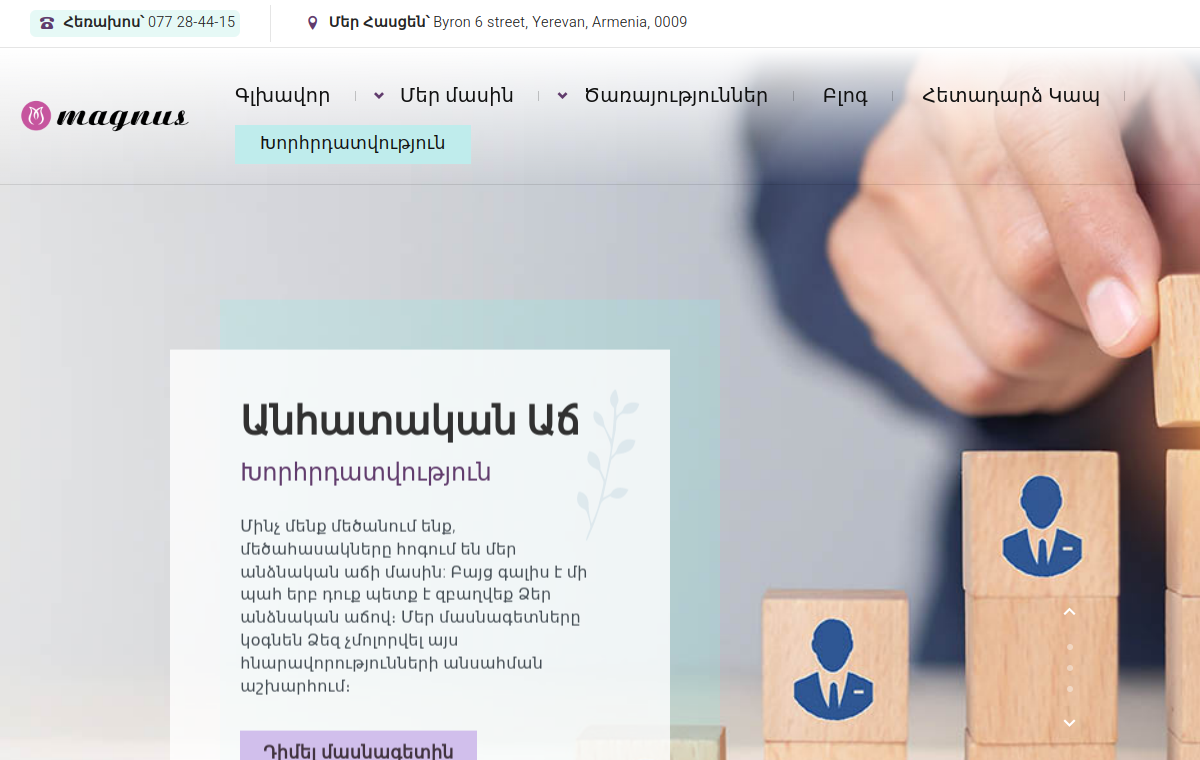
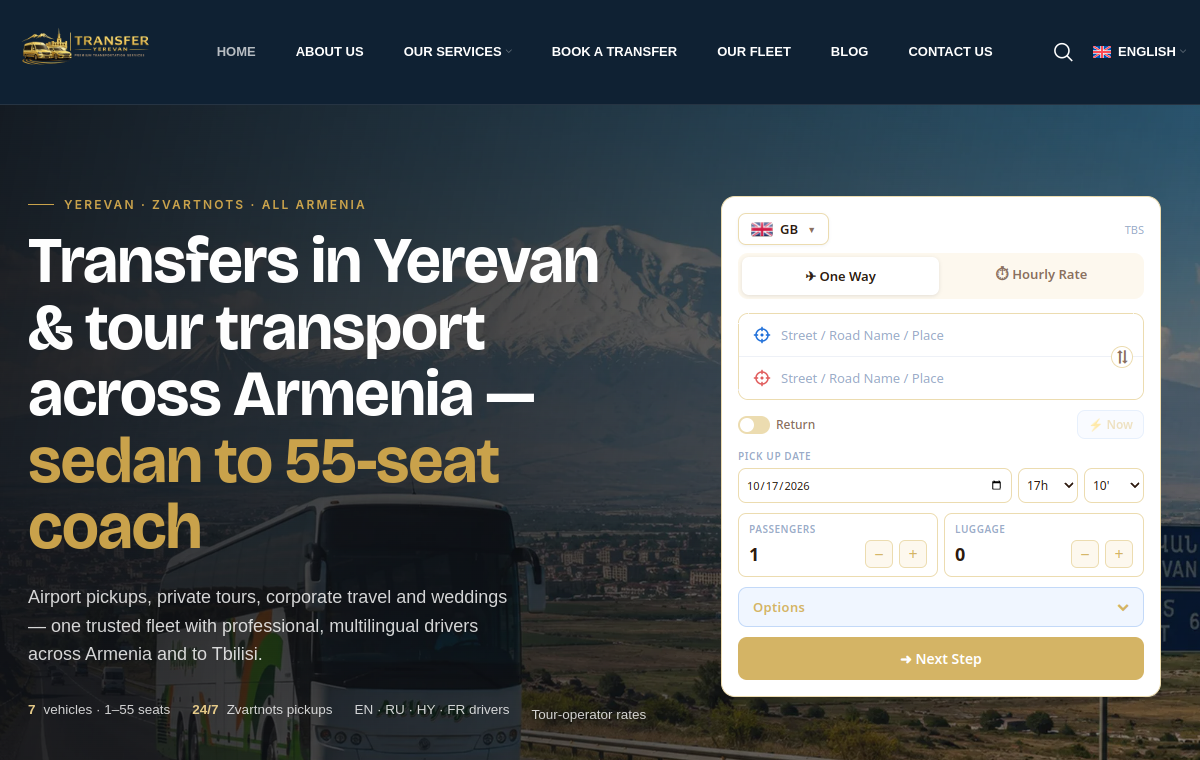
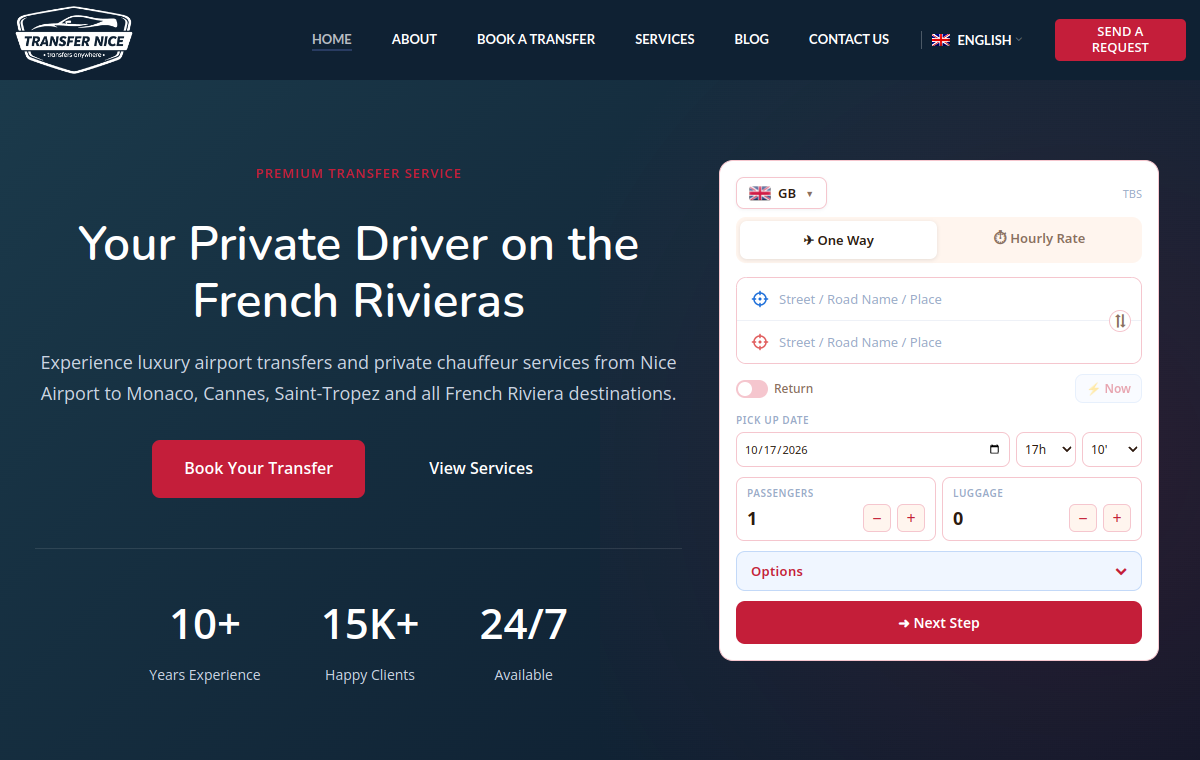
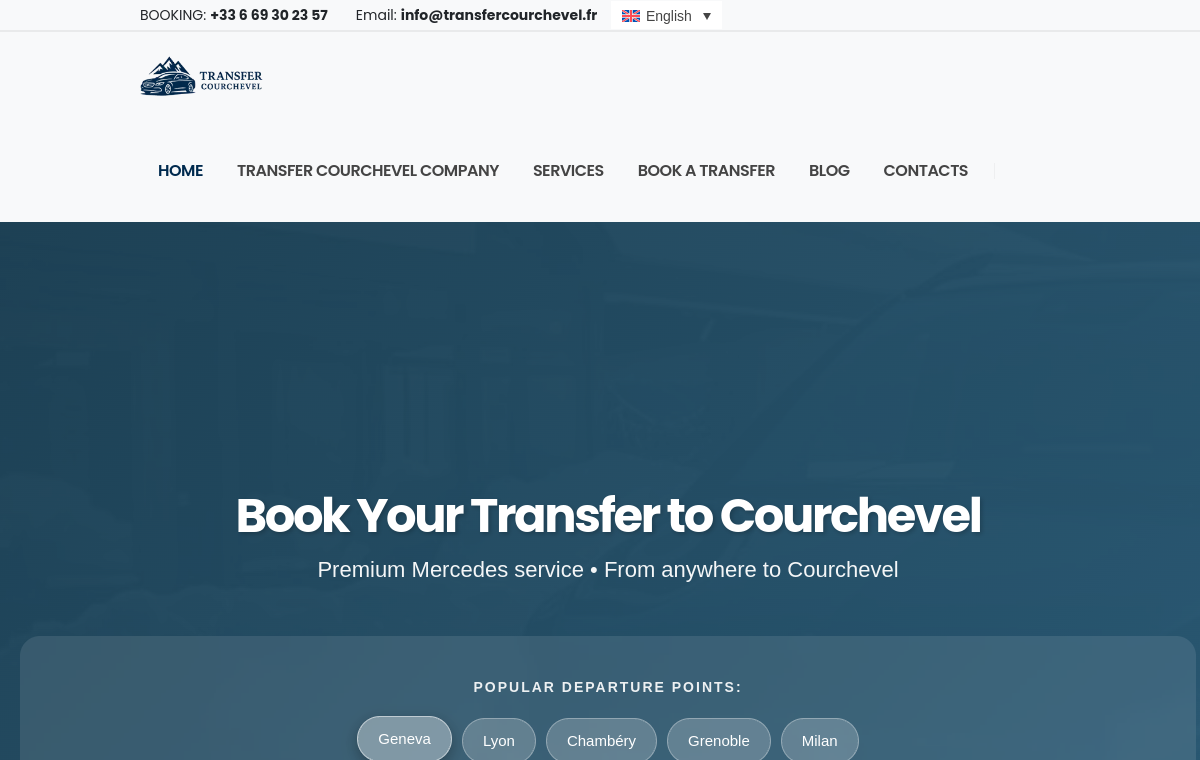
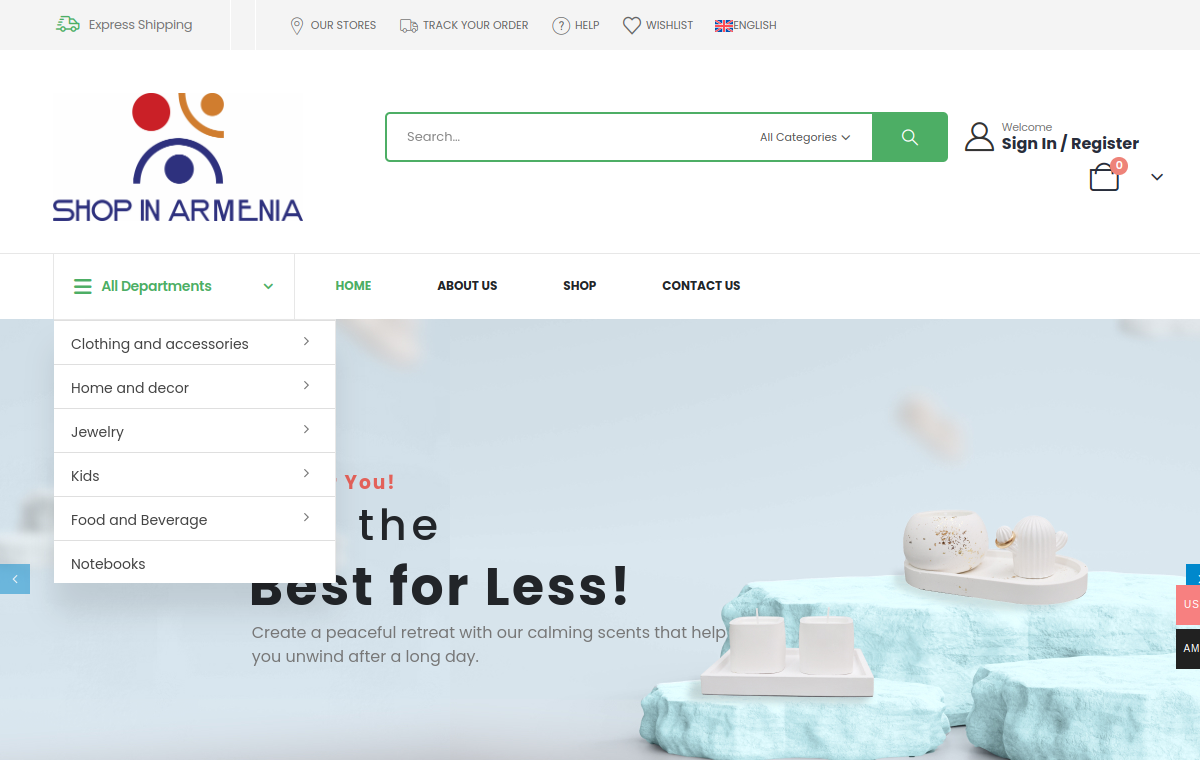
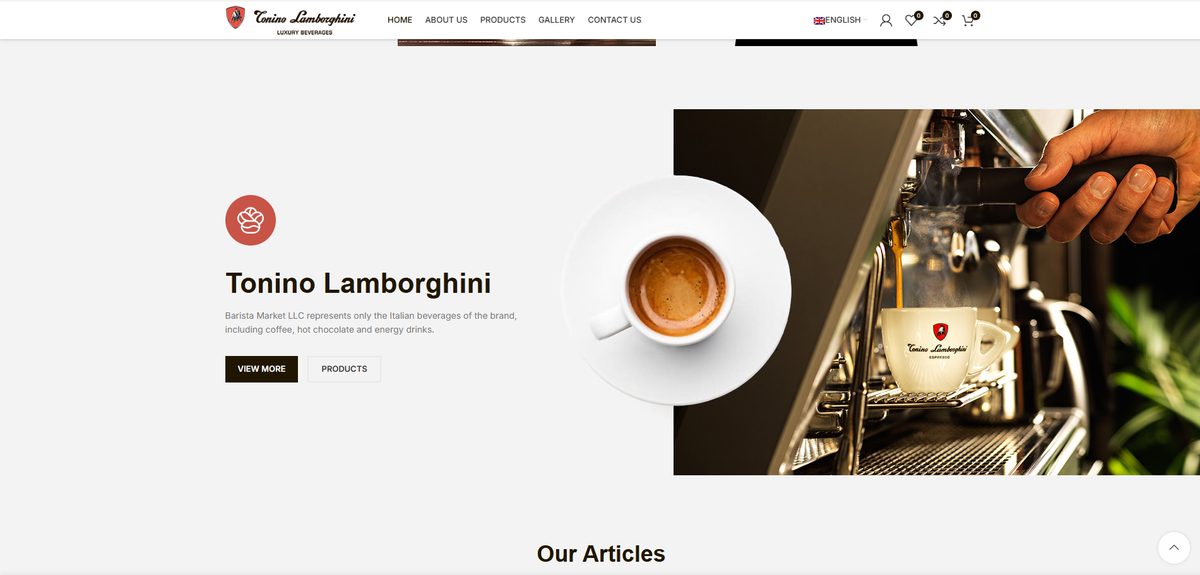
Stores, booking sites and B2B systems we built and still look after — in Armenia and around the world.












The questions everyone asks before saying yes
Do we need to replace our software?
Not always. We first check whether your existing systems can exchange the required data. If they cannot, we explain the alternatives.
Can we start with one task?
Yes. A single process is often a useful starting point. We agree its boundaries before expanding.
How are price and timing calculated?
They depend on the number of systems, available connections, data quality and exception rules. Third-party subscriptions are identified separately.
What access will you need?
We list the required permissions before starting. Where available, we use separate accounts with access limited to the agreed task.
What if a connection fails?
We agree how failures are recorded, who is notified and which steps can be handled manually. Recovery depends on the connected services.
Which Task Are You Tired of Repeating?
Describe the steps or send a screen recording. We’ll assess what can be automated.


